


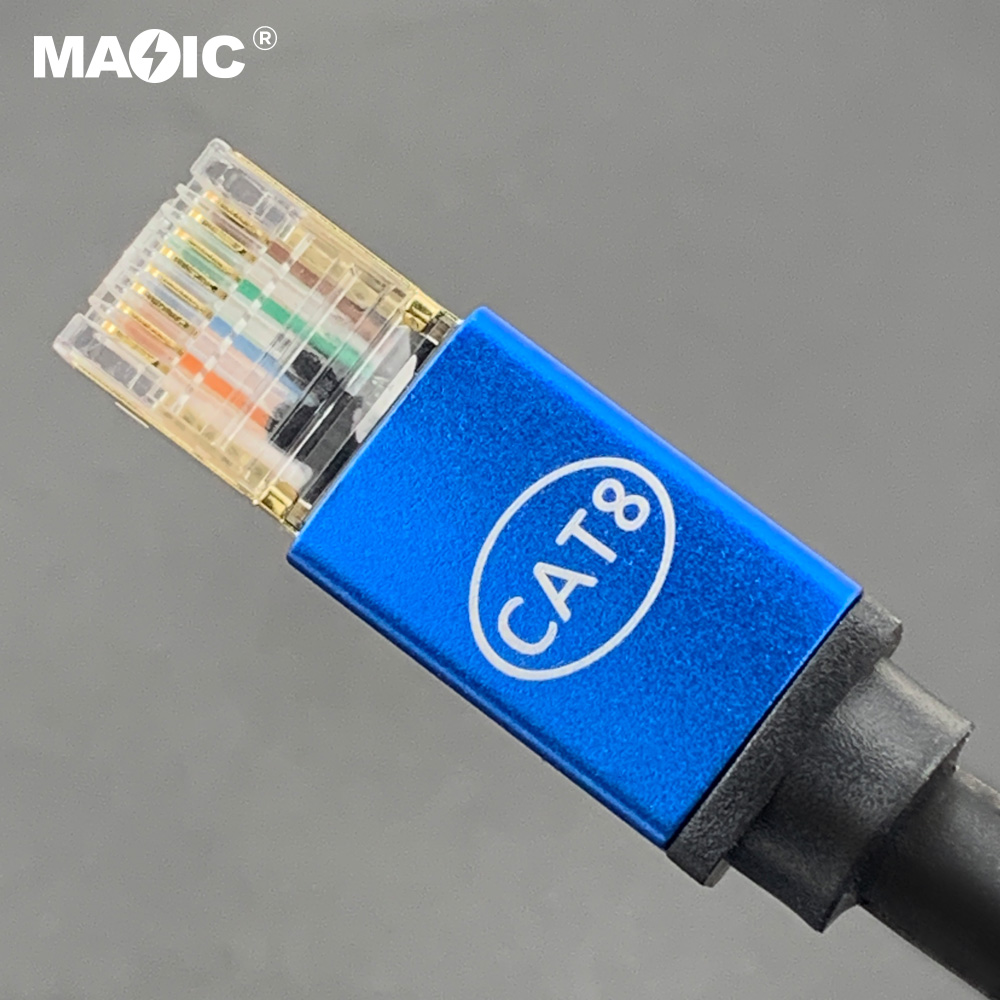
Yes, a Cat8 Ethernet cable works perfectly with a PlayStation 5, as it is fully backward compatible with the PS5’s Ethernet port. However, using a Cat8 cable for your PS5 will not provide any speed or latency advantage over a more affordable Cat6 or Cat6a cable. This is because the PS5’s own hardware, specifically its 1 Gigabit per second (Gbps) Ethernet port, is the limiting factor, and it cannot utilize the massive 40 Gbps bandwidth that a Cat8 cable is designed to deliver. For gamers, this means Cat8 is significant overkill for a PS5 connection.
As experts in network cabling at D-Lay Cable, we understand the desire for the fastest, most stable connection to gain a competitive edge in online gaming. You’ve invested in a powerful console like the PS5, and it’s natural to want to pair it with the best possible accessories. While Cat8 is the highest category of Ethernet cable available, the crucial question isn’t just “Does it work?” but rather “Is it necessary, and will it improve my gaming experience?” dlaycable will break down the technical realities, compare the cable categories, and help you make the smartest choice for your gaming setup.
Table of Contents
- Understanding the PS5’s Network Specifications: The Key Limiting Factor
- What is a Cat8 Cable and Who Is It For?
- Cat8 vs. Cat6 vs. Cat6a for PS5: A Head-to-Head Comparison
- Does Cable Category Affect Real-World Gaming Performance?
- Is Cat8 Good for Future-Proofing Your Gaming Setup?
- Beyond the “Cat”: What Truly Matters in a Gaming Ethernet Cable?
- Our Verdict: What is the Best Ethernet Cable for the PS5?
- Frequently Asked Questions (FAQ)
Understanding the PS5’s Network Specifications: The Key Limiting Factor
To understand why Cat8 is overkill for the PlayStation 5, we must first look at the console’s own hardware capabilities. The PS5 is equipped with a standard Gigabit Ethernet port. This means the maximum data transfer rate the console can handle through a wired connection is 1 Gigabit per second (Gbps), which is equivalent to 1,000 Megabits per second (Mbps).
Think of it like a highway. Your internet plan is the speed limit, and the Ethernet cable is the number of lanes. A Cat8 cable is a massive, 40-lane superhighway. However, the PS5’s Ethernet port is a single-lane off-ramp. No matter how many lanes the highway has, traffic can only exit onto the ramp one lane at a time. Similarly, even though a Cat8 cable can handle 40 Gbps of data, the PS5 can only accept data at a maximum rate of 1 Gbps. Your connection will never be faster than the slowest component in the chain, which, in this case, is the console’s port.
What is a Cat8 Cable and Who Is It For?
A Cat8 Ethernet cable represents the pinnacle of copper Ethernet technology. It is a high-frequency, heavily shielded cable designed for specific, high-bandwidth applications. Its key characteristics include:
- Speed: Supports data transfer rates up to 40 Gbps.
- Bandwidth: Supports a frequency of up to 2000 MHz.
- Distance: Achieves its top speed over a maximum distance of 30 meters (about 98 feet).
- Shielding: Features superior S/FTP (Screened/Foiled Twisted Pair) shielding to virtually eliminate crosstalk and electromagnetic interference (EMI).
These specifications make Cat8 the ideal solution for data centers and enterprise-level server rooms where short, ultra-high-speed connections between servers, switches, and storage networks are critical. It was never designed for home use or for connecting consumer devices like gaming consoles, PCs, or smart TVs to a standard home internet router.
Cat8 vs. Cat6 vs. Cat6a for PS5: A Head-to-Head Comparison
To put things in perspective, let’s compare the different Ethernet cable categories. This will clearly illustrate why Cat6 or Cat6a is the optimal choice for your PS5, providing all the performance you need without the unnecessary cost of Cat8.
| Feature | Cat6 | Cat6a | Cat8 (The Overkill) | PS5 Requirement |
|---|---|---|---|---|
| Max Speed | 1 Gbps (up to 100m) 10 Gbps (up to 55m) |
10 Gbps (up to 100m) | 40 Gbps (up to 30m) | 1 Gbps |
| Bandwidth (Frequency) | 250 MHz | 500 MHz | 2000 MHz | ~125 MHz (for 1 Gbps) |
| Best Use Case | Home networks, gaming, streaming on up to 1 Gbps internet | Future-proofed home networks, prosumer use, 10G networks | Data centers, server-to-server links | Gaming & Streaming |
| PS5 Gaming Verdict | Excellent Choice | Ideal “Sweet Spot” | Unnecessary Overkill | – |
As the table clearly shows, both Cat6 and Cat6a cables can easily handle the 1 Gbps speed of the PS5’s port. A Cat6a cable offers more headroom for potential future internet speed upgrades beyond 1 Gbps, making it the perfect balance of performance and price for serious gamers.
Does Cable Category Affect Real-World Gaming Performance?
For online gaming, three metrics matter most: latency (ping), download speed, and connection stability. Here’s how your choice of Ethernet cable—or lack thereof—impacts them.
Latency (Ping)
Latency, or ping, is the time it takes for data to travel from your console to the game server and back. Lower ping is crucial for responsive gameplay. While proponents of Cat8 might claim its higher frequency reduces latency, the difference over the short distances in a home is measured in nanoseconds. This is an imperceptible difference that will have absolutely zero impact on your in-game performance. Your latency is overwhelmingly determined by your Internet Service Provider (ISP), your physical distance from the game server, and network congestion—not whether you use a Cat6 vs. a Cat8 cable.
Download Speeds
Your download speed is capped by two things: your internet plan and your PS5’s 1 Gbps port. If you have a 500 Mbps internet plan, you will get at most 500 Mbps, regardless of the cable. If you have a 2 Gbps internet plan, you will get at most 1 Gbps, because the PS5’s port is the bottleneck. Since Cat6, Cat6a, and Cat8 all support speeds of 1 Gbps and higher, they will all deliver the exact same maximum download speeds to your console.
Connection Stability
This is where a high-quality wired connection shines over Wi-Fi. A well-constructed Ethernet cable provides a stable, interference-free connection, eliminating the lag spikes and packet loss common with wireless networks. While Cat8 has the best shielding, the shielding on a quality Cat6a cable is more than sufficient for even the most electronically “noisy” home environments. Any well-made, shielded Ethernet cable will provide a far more stable connection than Wi-Fi.
Is Cat8 Good for Future-Proofing Your Gaming Setup?
One common argument for buying Cat8 is “future-proofing.” The idea is to buy the best now so you don’t have to upgrade later. While this logic has some merit, it doesn’t apply to the PS5. For Cat8 to become relevant for console gaming, three things would need to happen:
- Console Hardware Upgrade: Future consoles (e.g., a “PS6”) would need to include a 10 Gbps or 40 Gbps Ethernet port. A 10 Gbps port is possible, but a 40 Gbps port is highly unlikely in consumer hardware for many years to come.
- Home Router Upgrade: Your home router would also need 10G+ LAN ports to match the console.
- Widespread ISP Upgrade: Internet Service Providers would need to offer mainstream residential plans well above 10 Gbps.
Even if future consoles adopt 10 Gbps ports, a Cat6a cable is already fully capable of handling that speed. Therefore, investing in Cat8 for a PS5 provides no real future-proofing benefit over a Cat6a cable.
Beyond the “Cat”: What Truly Matters in a Gaming Ethernet Cable?
Instead of focusing on an unnecessarily high category number, gamers should prioritize the tangible quality aspects of a cable. At D-Lay Cable, we emphasize these factors for optimal performance:
- Build Quality: Look for cables with pure copper conductors, not copper-clad aluminum (CCA), for better signal integrity and durability.
- Shielding (S/FTP or U/UTP): For most homes, an unshielded (UTP) Cat6 cable is fine. For environments with significant electronic interference (near power cables, microwaves, etc.), a shielded (FTP or STP) Cat6a cable provides excellent protection.
- Connector Quality: Gold-plated connectors with a sturdy, snagless boot design ensure a secure and corrosion-free connection to your PS5 and router.
- Proper Length: Use a cable that is just the right length. Excessively long cables coiled up can sometimes introduce signal interference.
Our Verdict: What is the Best Ethernet Cable for the PS5?
While a Cat8 cable will work with your PS5, it is an impractical and needlessly expensive choice that offers no performance benefits for gaming. The PS5’s 1 Gbps hardware limitation means you will see the exact same speeds and latency with a Cat8 cable as you would with a far more affordable option.
For the vast majority of PS5 gamers, a high-quality Cat6 Ethernet cable is more than sufficient. It easily handles the console’s maximum speed and provides a stable, low-latency connection.
For those who want the absolute best practical performance and a degree of future-proofing for multi-gig home internet, the Cat6a Ethernet cable is the undeniable sweet spot. It supports 10 Gbps speeds, offers excellent shielding, and represents the perfect balance of price, performance, and forward-looking capability for any high-end gaming setup.
Invest your money wisely. Choose a well-built Cat6 or Cat6a cable and enjoy the same flawless, high-speed gaming experience without paying a premium for performance your PS5 simply cannot use.
Frequently Asked Questions (FAQ)
Will Cat8 reduce my ping on PS5?
No. A Cat8 cable will not noticeably reduce your ping compared to a Cat6 or Cat7 cable. Latency is primarily determined by your internet service and distance to the game server, not the cable category over short home distances.
Is a Cat7 cable good for PS5?
Yes, a Cat7 cable is also a good choice and works great with the PS5. Like Cat6a, it supports 10 Gbps speeds. However, the Cat7 standard uses a unique, proprietary GigaGate45 connector that was not widely adopted, and it offers little practical benefit over the more standard and cost-effective Cat6a for home use.
What is the PS5 Ethernet port speed?
The PS5 has a Gigabit Ethernet port, which means its maximum wired network speed is 1 Gigabit per second (1 Gbps) or 1000 Megabits per second (Mbps).
Is it better to use a wired or Wi-Fi connection for the PS5?
A wired Ethernet connection is always superior for gaming. It provides a more stable, consistent speed with lower latency and is not susceptible to the signal interference, dropouts, and congestion that can plague Wi-Fi networks.