


In the world of networking, a common question echoes through server rooms and home offices alike: you have a drawer full of Ethernet cables—some Cat5e, some Cat6, maybe even a new Cat7—and you need to connect your devices. Can you mix and match them? The short answer is yes, but the long answer is crucial for understanding your network’s true performance. As leaders in manufacturing high-performance network cabling, we at D-Lay Cable are here to demystify the process and give you the confidence to build a fast, reliable network.
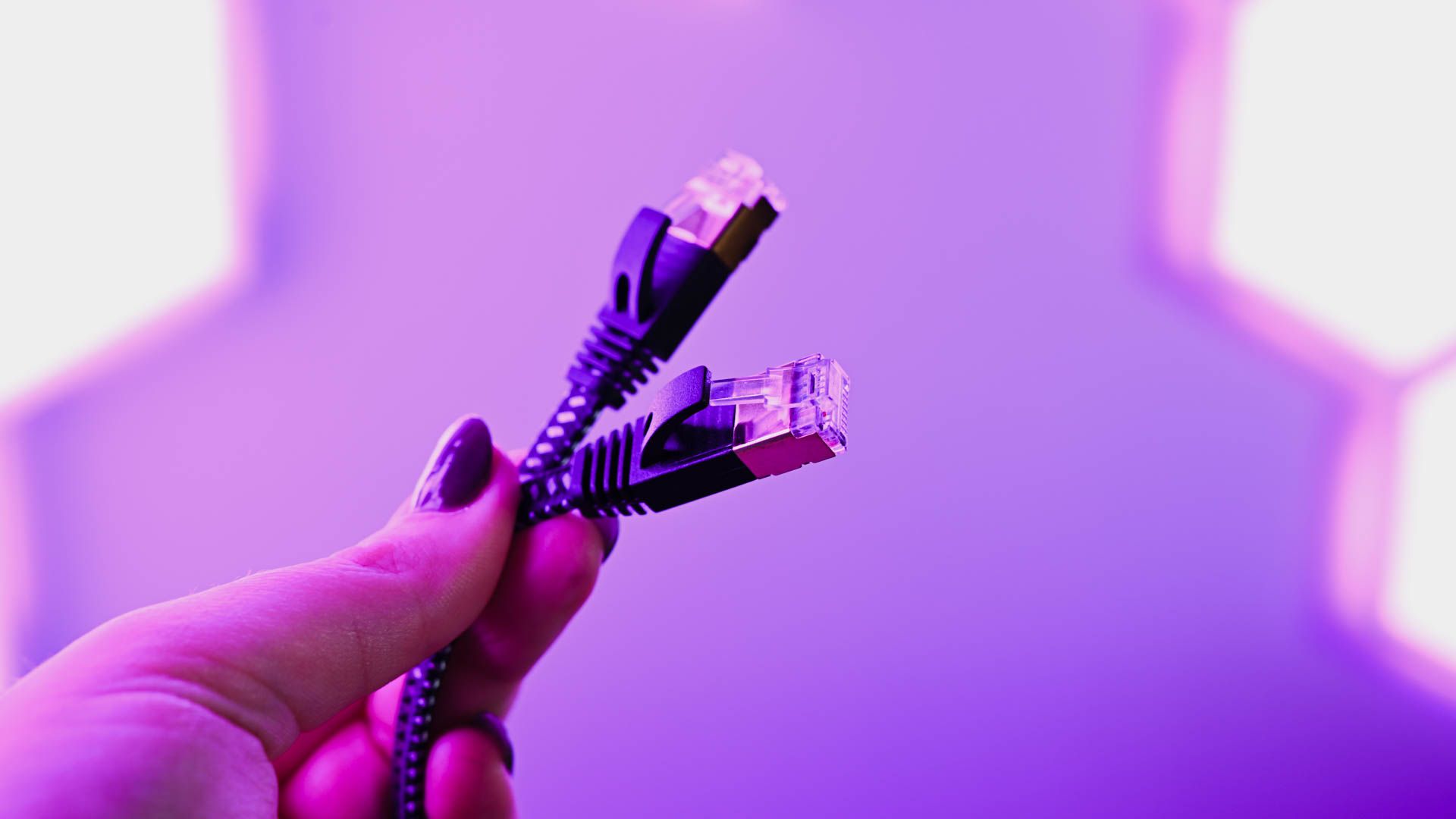
dlaycable will walk you through the rules of mixing cable categories, the potential pitfalls, and the best practices to ensure you’re getting the speed you pay for.
1. The Foundation: A Quick Look at Ethernet Cable Categories
Before we can talk about mixing, we need to understand what separates these cables. Each “Category” or “Cat” represents a standard defined by the Telecommunications Industry Association (TIA) that dictates the cable’s performance capabilities, primarily its maximum supported speed and bandwidth (frequency).
Higher categories offer higher speeds and better protection against interference like crosstalk. Here’s a simple breakdown:
| Category | Max Speed (at 100m) | Max Bandwidth | Best For |
|---|---|---|---|
| Cat5e | 1 Gbps | 100 MHz | Basic home networking, small offices, VoIP phones. |
| Cat6 | 1 Gbps (up to 10 Gbps at ~55m) | 250 MHz | Modern home and office networks, streaming 4K video, gaming. |
| Cat6a | 10 Gbps | 500 MHz | Future-proofing, data centers, high-demand business networks, PoE devices. |
| Cat7/Cat8 | 10 Gbps / 25-40 Gbps | 600 MHz / 2000 MHz | Highly specialized, high-bandwidth applications like data centers and server-to-server links. |
2. The Golden Rule of Mixing Cables: Backwards Compatibility & The Bottleneck Principle
Here is the most important concept to grasp: Ethernet standards are designed to be backwards-compatible. This means you can plug a newer, higher-category cable (like a Cat6a) into a device or jack designed for an older category (like Cat5e), and it will work.
However, this comes with a critical caveat known as The Bottleneck Principle.
In any network connection, the overall performance of the entire “channel” (from the router, through patch panels, wall cabling, and patch cords, to your computer) will run at the speed of its slowest component. You can use the most advanced Cat8 cable in the world, but if it’s plugged into a Cat5e wall jack, your performance will be limited to Cat5e standards.
Think of it like a highway: if three lanes of a superhighway merge into a single-lane country road, the traffic flow is restricted to the capacity of that single lane. Your data is the traffic, and your network components are the lanes.
3. Common Mixing & Matching Scenarios: What Actually Happens?
Let’s apply the bottleneck principle to real-world situations to see how mixing and matching plays out.
Scenario 1: Using a Cat6 or Cat7 Cable on a Cat5e Network
- The Setup: You have a Cat5e router, Cat5e wall jacks, and a Cat5e switch. You connect your new PC using a shiny Cat7 patch cord.
- The Result: The connection will work perfectly fine, but it will operate at Cat5e speeds (max 1 Gbps / 100 MHz). The superior capabilities of the Cat7 cable are not being utilized because the rest of the network components create a bottleneck. There is no harm in doing this, but there is also no performance benefit.
Scenario 2: Using a Cat5e Cable on a Cat6a Network
- The Setup: You have a 10-Gigabit router and switch, and your office is wired with Cat6a cabling. You grab an old Cat5e patch cord to connect your server.
- The Result: This is where performance is actively lost. The entire connection to that server is now throttled down to Cat5e performance. You have created a bottleneck and are preventing your high-speed infrastructure from delivering its full potential to that device.
Scenario 3: The Shielding Factor (UTP vs. STP)
- The Setup: Your facility is wired with shielded Cat6a (STP) cable to protect against high electromagnetic interference (EMI). You connect a device using an unshielded (UTP) patch cord.
- The Result: The shielding is only effective if it creates a continuous, grounded path from end to end. By introducing an unshielded component (the cable, jack, or patch panel), you break that path. This makes the entire run vulnerable to the very interference you installed the shielded system to prevent.
4. Beyond the Cable: Identifying Your Network’s Other Weak Links
Cables are the most visible part of the equation, but they are not the only part. The bottleneck principle applies to your entire network infrastructure. To achieve true end-to-end performance, all components in the channel must meet the desired category standard. These include:
- Patch Cords: The cables connecting your devices to wall outlets or switches.
- Permanent/Bulk Cable: The cabling running inside your walls.
- Keystone Jacks: The female connectors in your wall plates and patch panels.
- Patch Panels: The central hub where all permanent links are terminated in a server rack.
- Hardware: Your router, network switches, and the Network Interface Card (NIC) inside your computer.
Upgrading only one of these elements without the others is like putting a sports car engine in a lawnmower—you won’t get sports car speeds.
5. D-Lay Cable’s Best Practices for a High-Performance Network
As a manufacturer dedicated to quality and performance, we advise our clients to follow a few simple rules for building a reliable and fast network.
Rule #1: Aim for Consistency
For guaranteed performance, use the same category for all passive components in your network channel (cables, jacks, patch panels). If you are aiming for a 10 Gbps network, use Cat6a-rated components throughout.
Rule #2: Prioritize Quality Over Category
This is critical. A high-quality, certified Cat6 cable made with 100% pure bare copper conductors will always outperform a cheap, non-compliant “Cat7” or “Cat8” cable made with Copper Clad Aluminum (CCA). CCA cables are brittle, have higher resistance, and fail to meet TIA performance standards. At D-Lay Cable, all our cables use pure copper and are Fluke tested to guarantee they meet or exceed category specifications.
Rule #3: Plan for the Future
If you are installing new cabling today, we strongly recommend using Cat6a. It provides 10 Gbps performance, which is rapidly becoming the new standard, and offers excellent future-proofing for your investment. The marginal cost increase over Cat6 is minimal compared to the cost of re-wiring in a few years.
Rule #4: When in a Pinch, It’s Okay to Mix (Temporarily)
We understand that sometimes you just need to get a device online. If all you have is a higher-category cable for a lower-category network, use it. If you have to use an older cable on a newer network, do so with the knowledge that you’re creating a temporary performance bottleneck that should be addressed later.
6. Conclusion: Build Your Network with Confidence
Mixing and matching Ethernet cables is not a matter of “if it fits, it works,” but rather a question of performance. Thanks to backwards compatibility, connections will almost always be established. However, your network’s speed will always be dragged down to the level of its weakest link.
The key takeaway is to build your network with intention. For optimal, reliable, and future-proof performance, maintain a consistent category across all your components and, most importantly, always invest in high-quality, certified products. A network built on a solid foundation of premium cabling is a network you can trust.
Ready to build a network without bottlenecks? At D-Lay Cable, we manufacture a complete range of certified pure copper Ethernet cables, patch panels, and keystone jacks to ensure end-to-end performance. Explore our products or contact our team of experts for personalized advice on your next project.